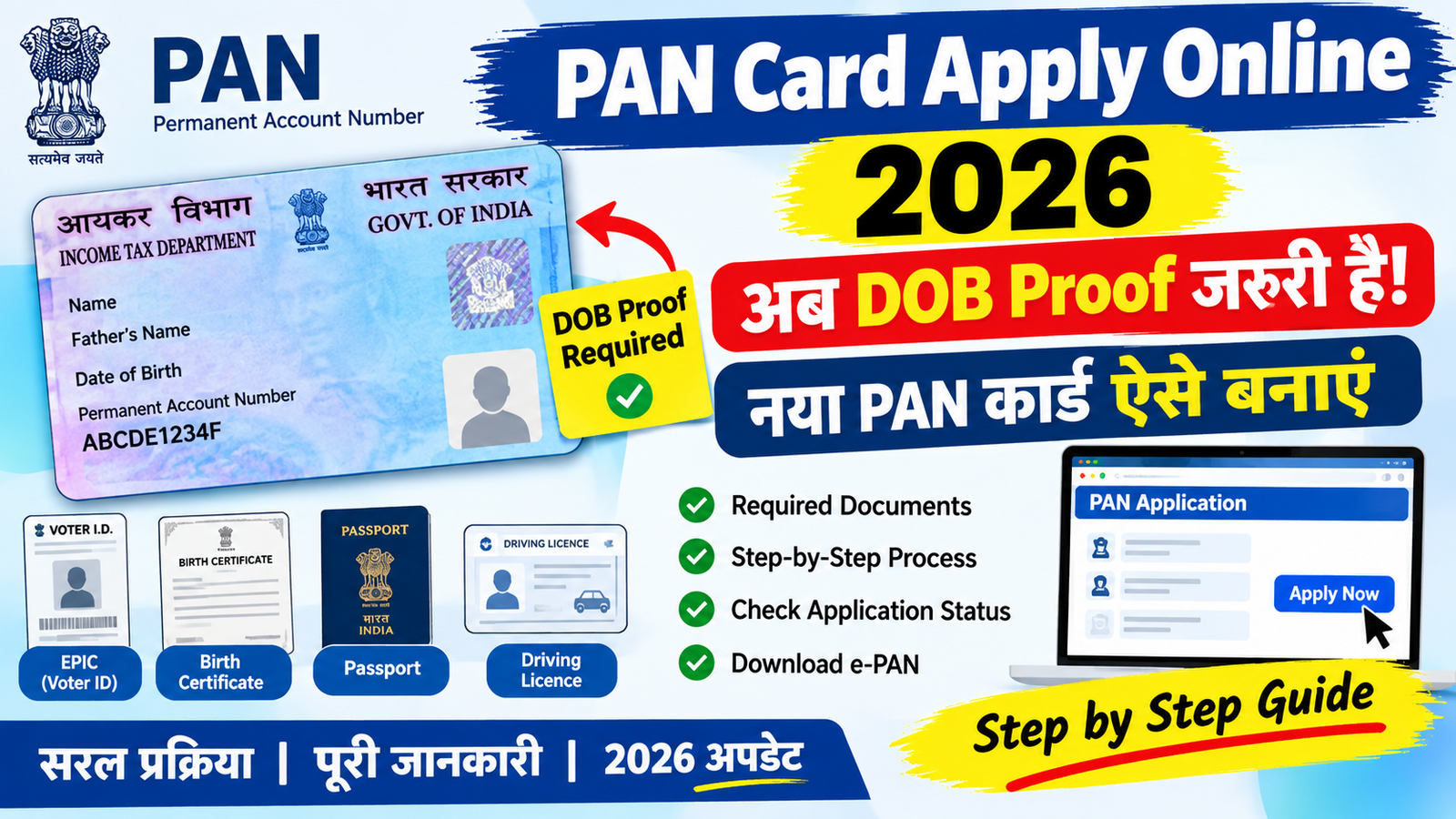
If you want to apply for a new PAN card in 2026, you can complete the application process online without visiting a PAN service centre in many cases. However, applicants need to provide accurate personal information and valid supporting documents.
One important part of the application is Date of Birth (DOB) verification. Depending on the application method and the documents available, you may need to provide an accepted proof of date of birth along with identity and address details.
In this guide, you’ll learn about the documents generally required for a fresh PAN application, how to apply online, check the application status, and download your e-PAN.
What Documents Are Required for a New PAN Card?
Before starting the application, keep the necessary documents ready. The exact requirements can vary depending on the application route and applicant.
Identity Proof
Commonly accepted identity documents may include:
- Aadhaar Card
- Passport
- Voter ID
- Driving Licence
- Other officially accepted identity documents
Address Proof
You may need a valid address document such as:
- Aadhaar Card
- Passport
- Bank statement
- Utility bill, where accepted
- Other approved address documents
Date of Birth Proof
A valid DOB document may be required for verification. Examples can include:
- Birth Certificate
- Passport
- Voter ID (EPIC)
- Driving Licence
- Government-issued DOB certificate
- Other documents accepted by the PAN application system
Always check the current document list shown on the official application portal before submitting your form.
Other Details You May Need
Depending on the application process, you may also need:
- Recent photograph
- Signature
- Mobile number
- Email address
- Aadhaar details, where applicable
Make sure the name and date of birth entered in the application match your supporting documents.
How to Apply for a PAN Card Online in 2026
You can apply through an official PAN service provider’s website. The basic process is as follows.
Step 1: Open the Official PAN Application Website
Go to the official PAN application portal and select the option for a new PAN application.
Choose the appropriate application type and provide the basic details requested on the registration page.
Step 2: Enter Your Personal Information
Fill in details such as:
- Full name
- Date of birth
- Mobile number
- Email address
- Aadhaar details, if applicable
Check the spelling carefully before moving to the next step.
Step 3: Provide Supporting Documents
Submit or upload the documents requested by the application system.
Depending on your application method, this may include identity proof, address proof, DOB proof, photograph, and signature.
Make sure the uploaded documents are clear and meet the required file format and size.
Step 4: Pay the Applicable Fee
Complete the PAN application fee payment using one of the payment methods available on the official portal.
The applicable fee can depend on factors such as the communication address and application type.
Step 5: Submit the Application
Before submitting, review all the information carefully.
If everything is correct, submit the application. You should receive an acknowledgement or application number that can be used to track the request.
How to Check PAN Card Application Status
After submitting your application, you can check its progress online using the acknowledgement or application details provided during submission.
Open the official PAN status-tracking service, enter the required information, and view the latest status of your application.
Keep your acknowledgement number safe until the PAN application has been processed.
How to Download an e-PAN Card
Once your PAN has been generated, you may be able to download the e-PAN through the applicable official online service.
The e-PAN is a digital version of your PAN information and can be stored on your phone or computer for convenient access.
Common PAN Application Mistakes
Small errors can cause problems during verification. Before submitting your application, check the following:
- Make sure your name is entered correctly.
- Check your date of birth carefully.
- Avoid uploading unclear or incomplete documents.
- Make sure your photograph and signature meet the required specifications.
- Use an active mobile number and email address.
- Check that your supporting documents contain matching information.
- Save your acknowledgement number after submission.
Tips for a Smooth PAN Application
A few simple precautions can make the process easier:
- Keep your original documents available while filling out the form.
- Check the latest document requirements on the official portal.
- Use clear scans or photographs of supporting documents.
- Carefully review every field before submitting.
- Do not share your PAN application details with unknown individuals.
- Use only official PAN application and tracking websites.
Frequently Asked Questions
Is DOB proof required for a new PAN card?
A valid proof of date of birth may be required depending on the application process and verification method. Check the document requirements displayed on the official portal before applying.
Can I apply for a PAN card online?
Yes. PAN applications can be submitted online through authorized official PAN service providers, subject to the applicable application process.
How can I track my PAN application?
You can track the application online using the acknowledgement or application details provided after submission.
Can I download my PAN card online?
Yes. After PAN issuance, an e-PAN can be downloaded through the applicable official online service.
How long does a new PAN application take?
Processing time can vary depending on document verification, application details, and the method used to submit the application. Tracking the application online can help you monitor its progress.
Final Thoughts
Applying for a PAN Card online in 2026 is a relatively simple process when you have the correct documents and information ready. Along with identity and address details, make sure you have an appropriate Date of Birth proof if the application process requires it.
Before submitting the form, carefully check your name, DOB, photograph, signature, and other details. Most importantly, use only official or authorized PAN application services for submitting your application, tracking its status, and accessing your e-PAN.